
Partner Workshop | Tue 11 August 2026
What is new, what is coming, and what we are talking about.
2:00 PM UK time
Join on Google Meet →HubPeople
Other time zones
- United Kingdom
- Central Europe
- US Eastern
- US Central
- US Pacific
- Gulf (Dubai)
- India
- Australia (Sydney)
Times use your device’s time zone and adjust for daylight saving automatically.
Agenda
New
This week's updates: a walk through everything that has shipped since the last session.
Workshop
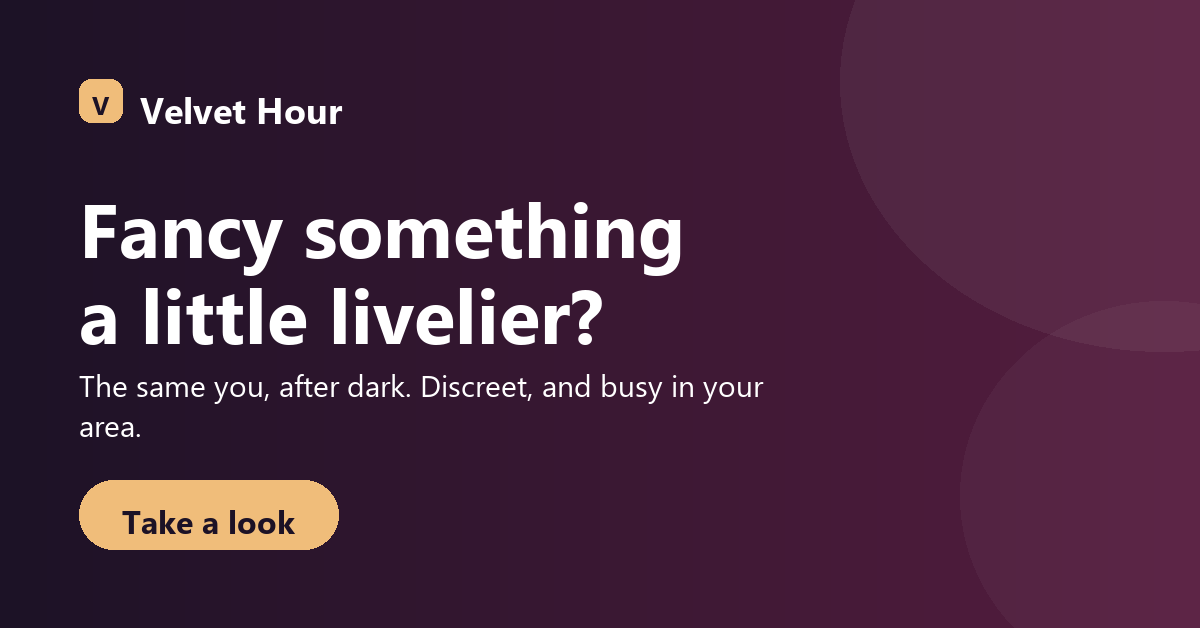
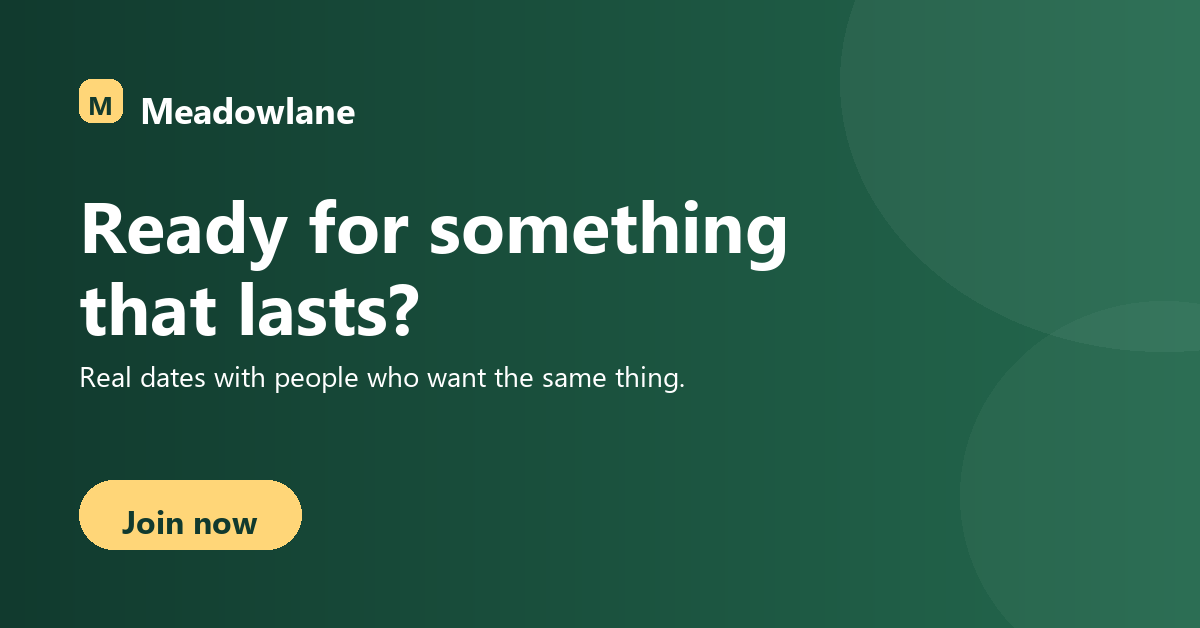
Xsell: cross-promoting your brands to the members you already have.
Slides for the session The deck we are walking through: the two parts of Xsell, what a member sees, and how to read the reporting. Open the slides
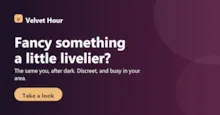

Try it yourself
- Go to My Brands in the portal.
- Choose the brand you want to send members to.
- Open its Xsell Pages tab and get started.
- Follow the guide below as you go.
Reference: Xsell: promote one brand on another
Open
Open discussion
Bring anything, questions, ideas, or things you would like to see.