Introduction to your brand
A quick tour of your brand in the HubPeople portal: how to get to it, and what each of the tabs is for. This is a high-level overview to help you find your way around. The detailed how-to guides go deeper into the tasks that matter most.
Finding your brand
From the portal dashboard, open My Brands in the left-hand menu and select the brand you want to work on. Your brand opens on a row of tabs across the top:
About your brand · Pages · Xsell Pages · Menu Manager · Agentic Toolkit · App · Domain Linking · Founders Account.
The rest of this guide walks through each tab in turn.
About your brand
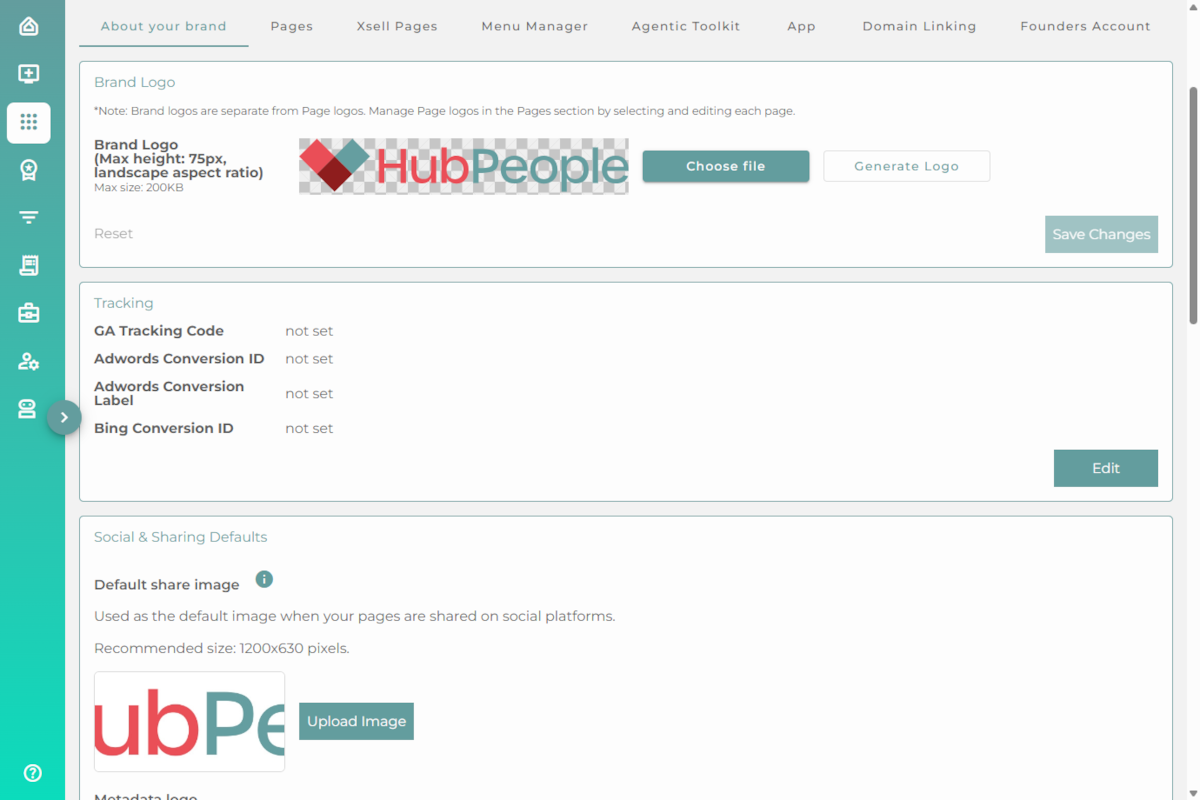
Your brand's core details and settings. Set your brand logo, your analytics tracking codes, and your Social & Sharing Defaults: the share image, site name, and social profiles that every page inherits.
For social and search settings, see Social and sharing →
Pages
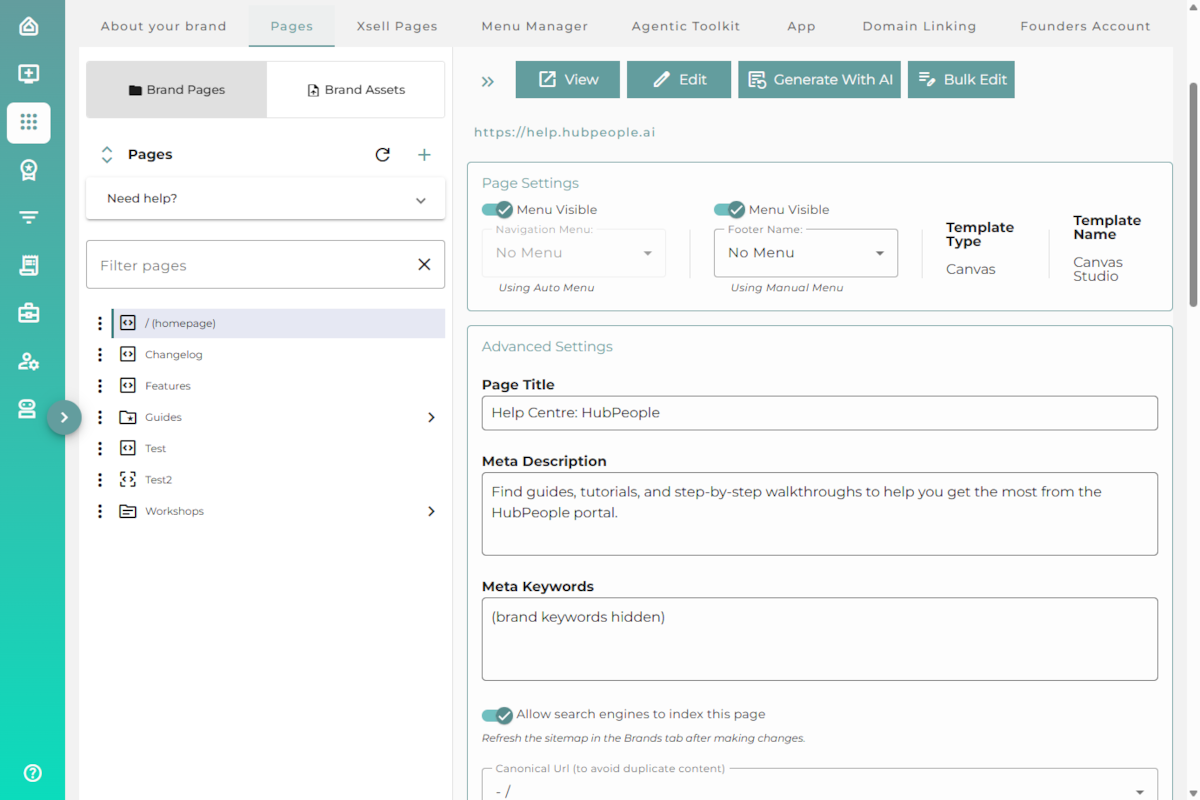
Where you build and manage your pages. Switch between Brand Pages (your page tree) and Brand Assets, add or edit pages, and set each page's title, meta description, menu visibility, and indexing.
To create one, see Creating pages →
Xsell Pages
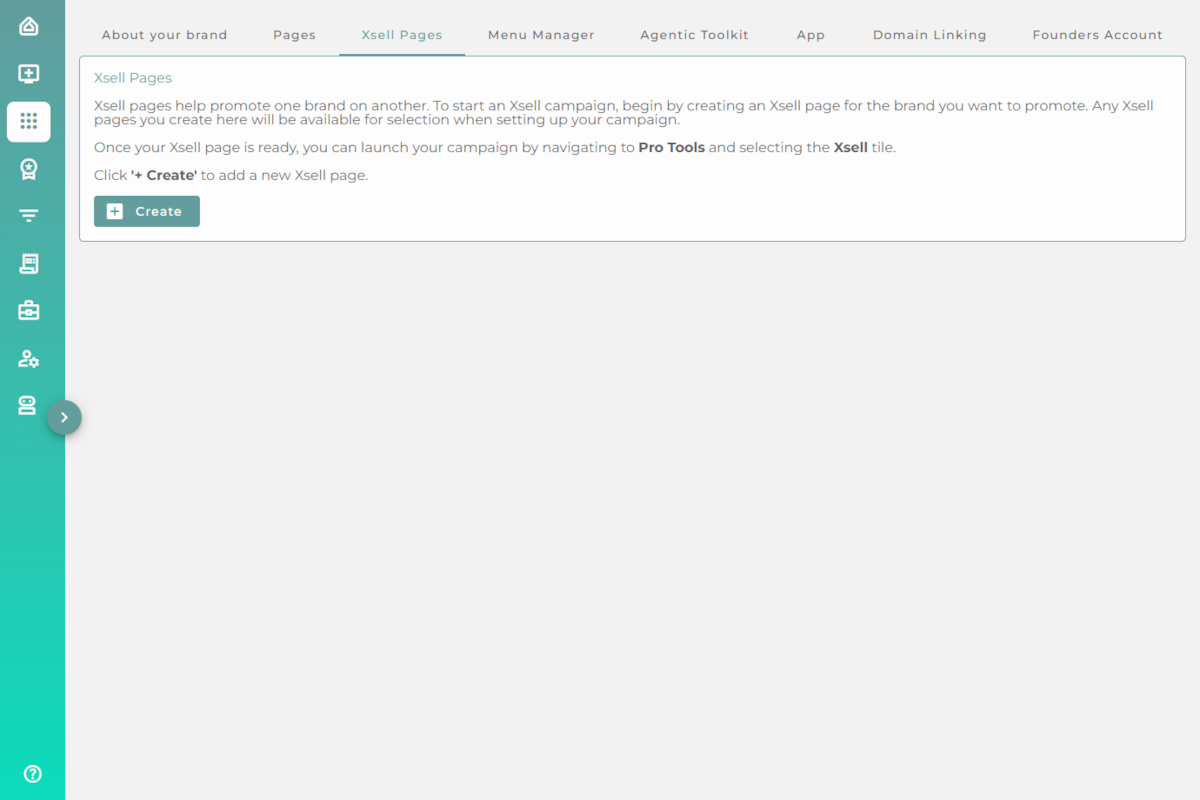
Create cross-sell pages that promote one brand on another. You build the Xsell page here, then launch the campaign from Pro Tools.
Menu Manager
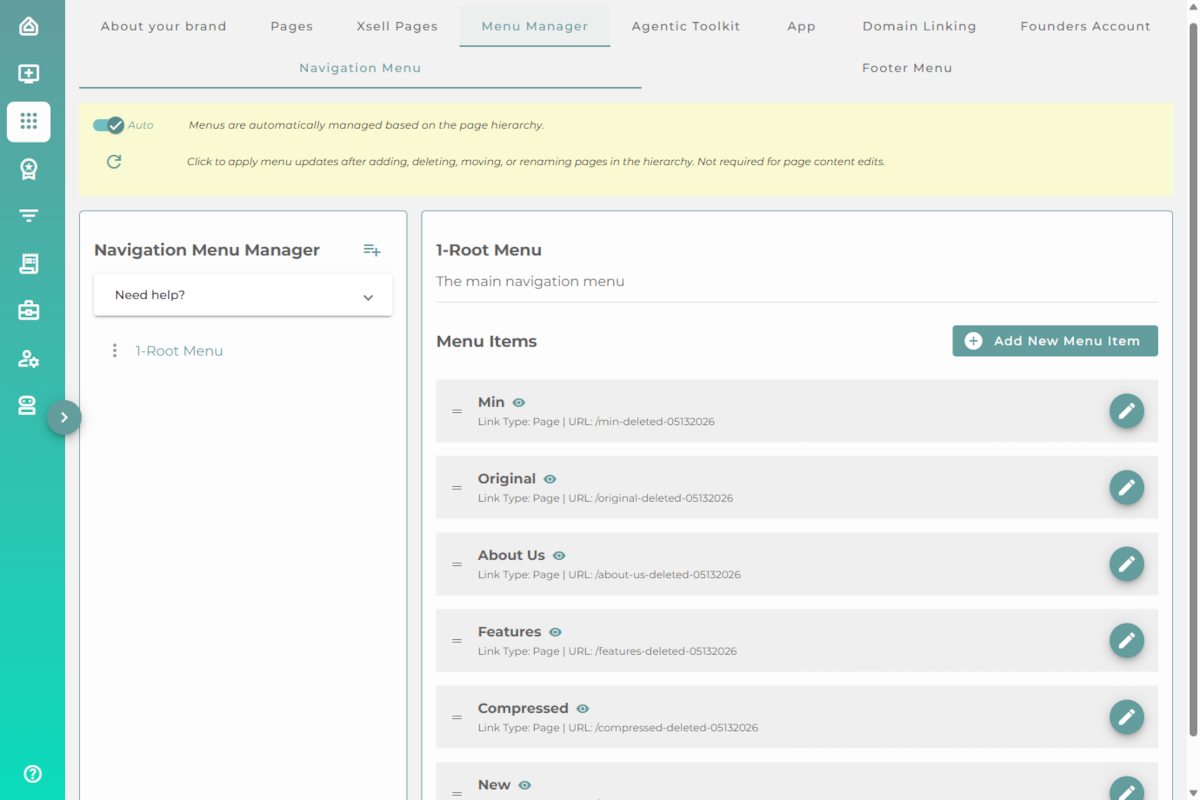
Manage your navigation and footer menus. Menus can be automatic (built from your page hierarchy) or manually arranged, with menu items you add and reorder yourself.
Agentic Toolkit
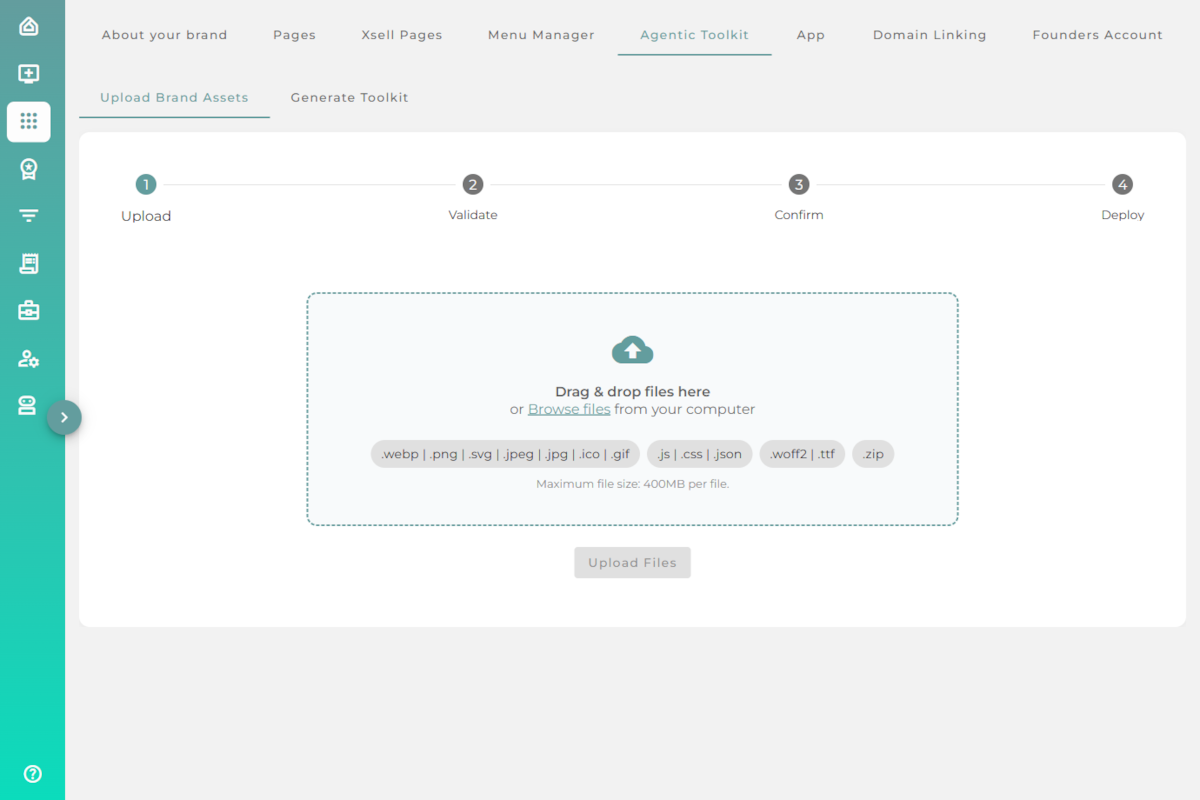
Two tools live here. Upload Brand Assets bulk-uploads a ZIP of pages and assets, and Generate Toolkit downloads the AI workspace toolkit for your brand.
See Uploading a site with a ZIP → and Working with the Agentic Toolkit →
App
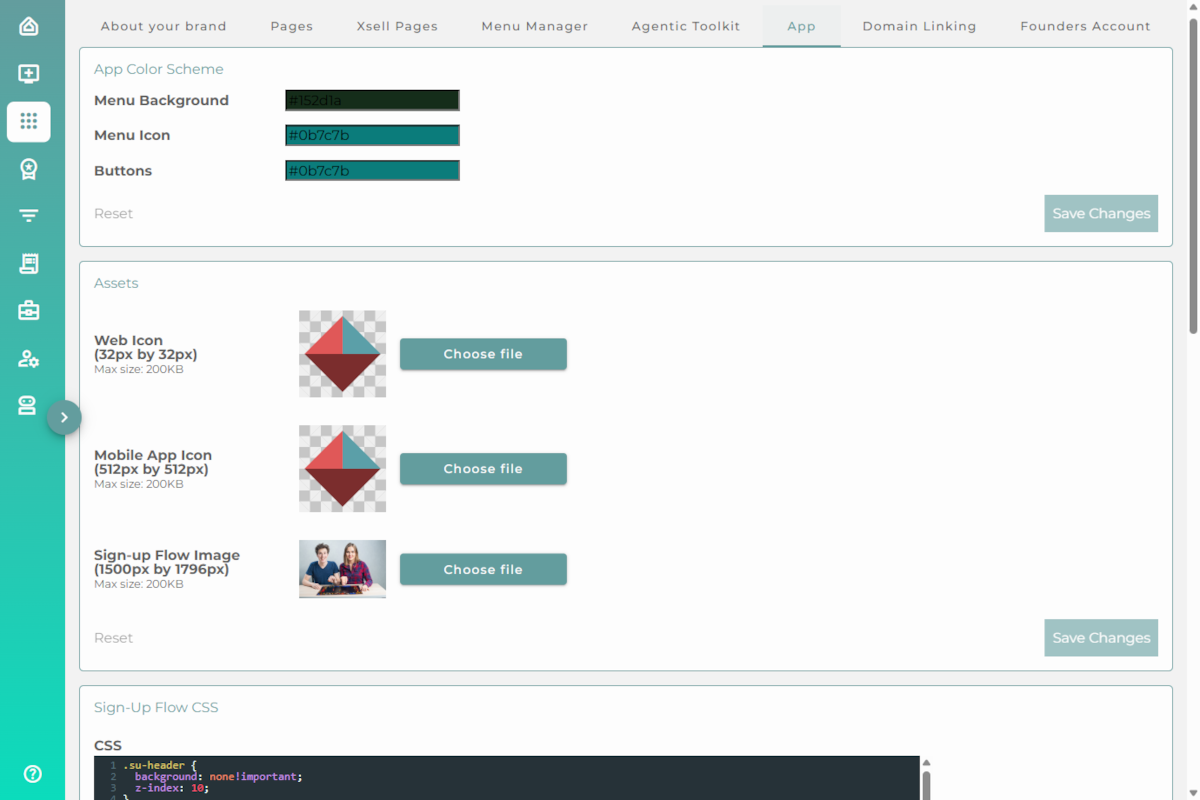
Control how your app looks: the colour scheme, the icons (web and mobile), the sign-up flow image, and custom sign-up CSS.
Domain Linking
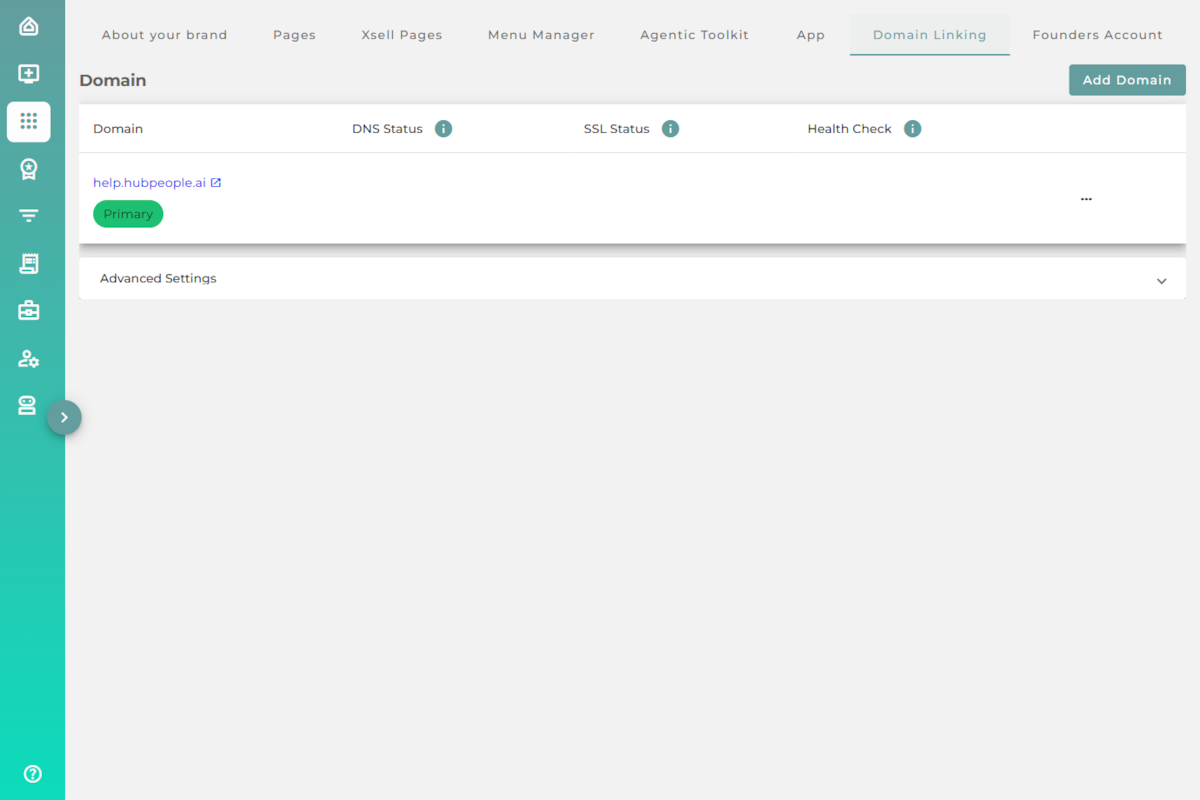
Connect your own custom domain and keep an eye on its DNS, SSL, and health status. Use Add Domain to link a new one.
Founders Account
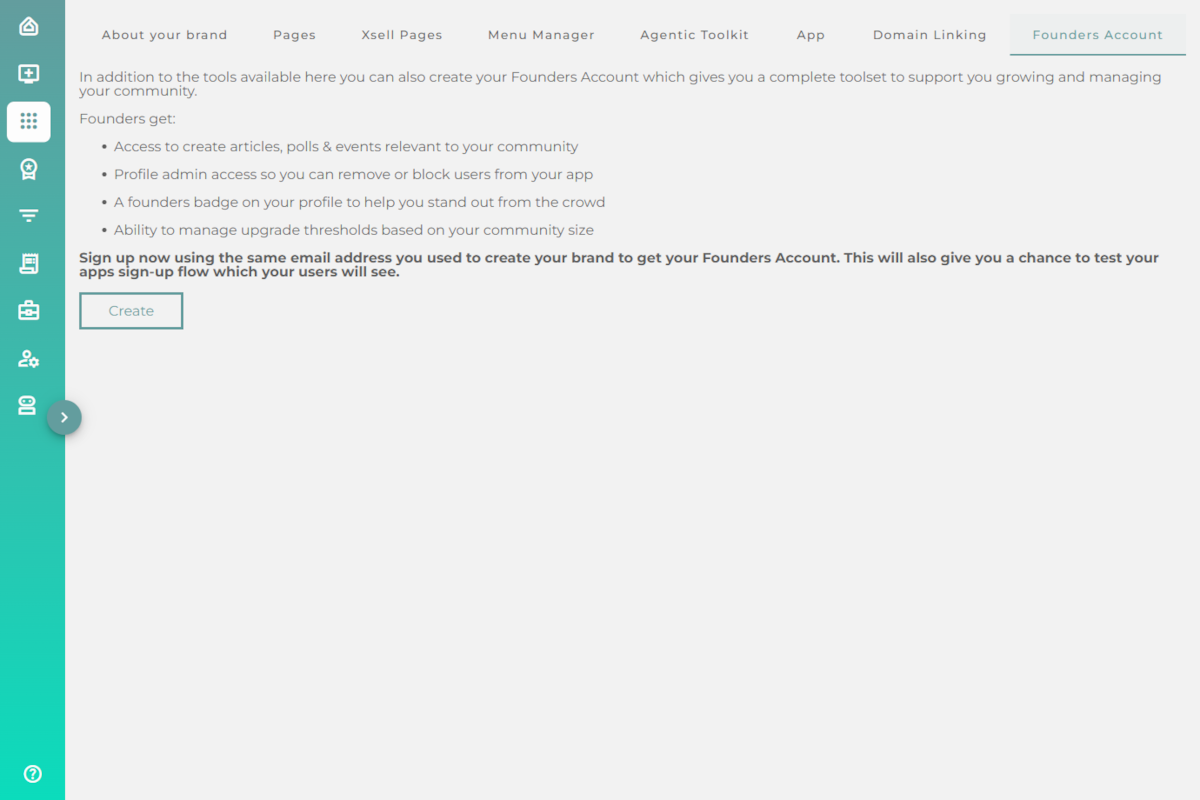
Create a Founders Account for extra community tools: creating articles, polls and events, profile admin to manage your app's users, a founders badge, and control over upgrade thresholds.